Try Our Free New Models
Upload your image, pick a style, and download a beautiful illustration in seconds. No design skills. No software. Just results.
Upload Your Image




Transform your photograph into a distinctive custom illustration in less than sixty seconds, showcasing your unique vision with professional quality.
Step One
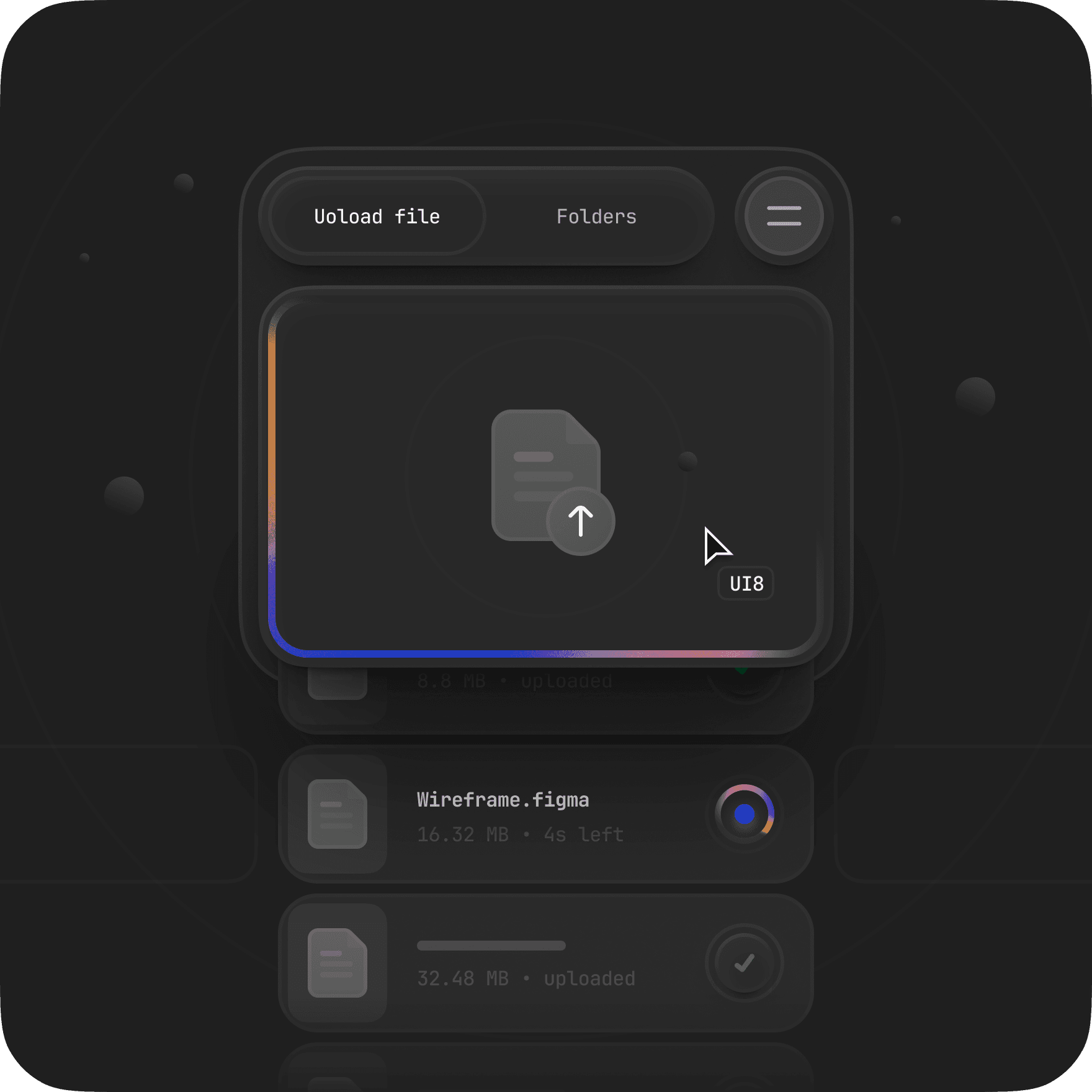
Upload your photo
Drag and drop any image — a portrait, product shot, landscape, or anything you love.
Step Two
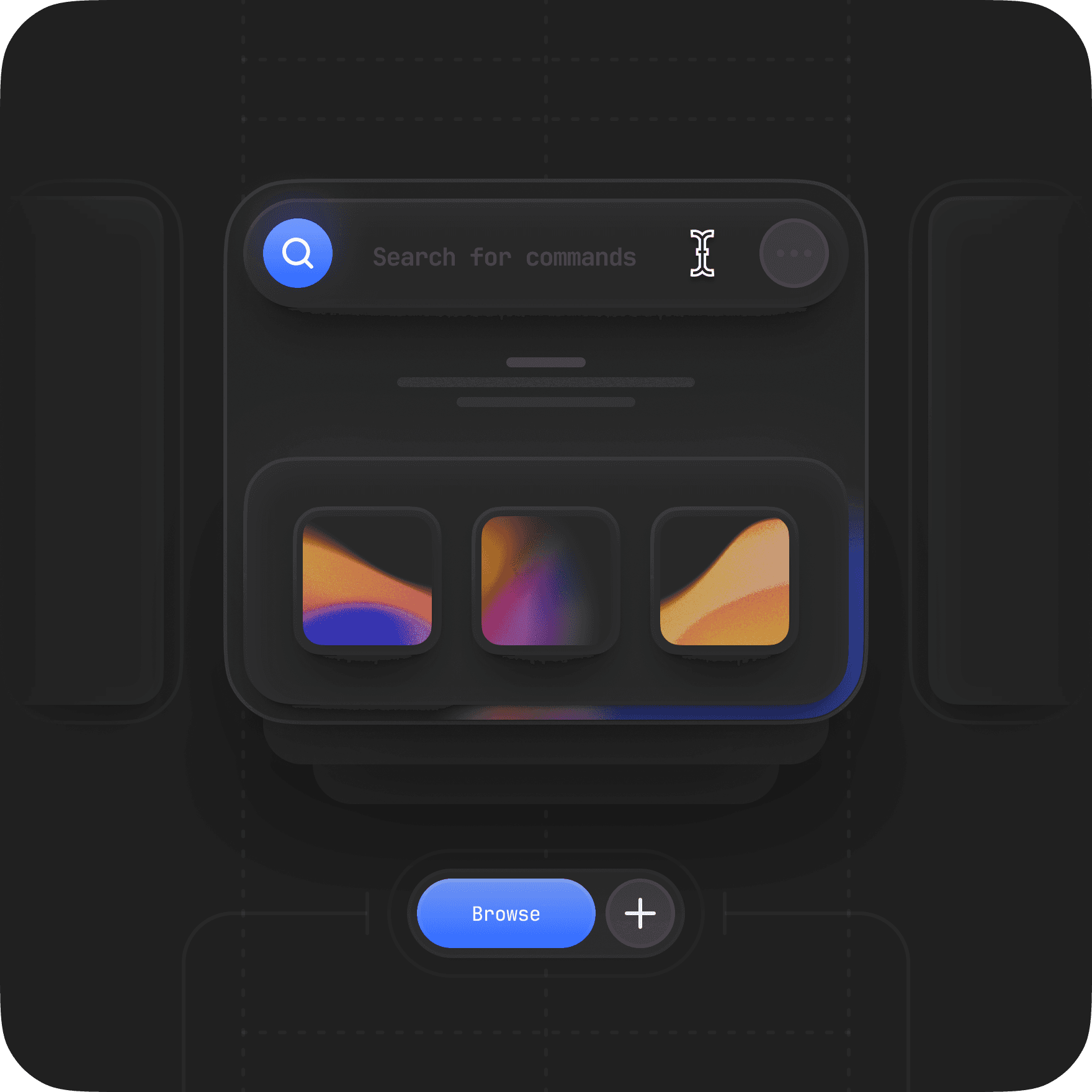
Pick your style
Choose from four hand-crafted illustration styles. Preview how your image will look before you convert.

Step Three
Download your artwork
Your illustration is ready in seconds. Download as a high-quality JPG for sharing, or as a scalable SVG file .
Each style is meticulously calibrated by our advanced artificial intelligence to ensure that you receive the most expressive and refined outcome possible.

Watercolor
Soft brush strokes, delicate colour washes, and an unmistakably handcrafted feel
Try for Free

Anime
Bold outlines, vivid colours, and cel-shaded depth straight out of a studio production.
Try for Free

Pencil sketch
Crisp lines, subtle shading, and the timeless charm of a hand-drawn illustration
Try for Free


Convert Images to Vectors and Download
Each style is meticulously calibrated by our advanced artificial intelligence to ensure that you receive the most expressive and refined outcome possible.
Try for Free

Flat design
Clean, bold, and modern. Perfect for social media, presentations, and brand visuals
Try for Free
If they can create it, you can too with Illustra


Active users
Images converted
Companies onboarded
Vectors downloaded

Turn any photo into a production-ready illustration in seconds — download as SVG, ready for Figma.
Convert Your First Image
No account needed · SVG included · Commercial use allowed
FAQs
Our product collaborates closely with you, ensuring your vision is expertly transformed into stunning vectors.
Create Account
Question 1
What illustration styles are available?
Question 2
Can I try Illustra without creating an account?
Question 3
How long does a conversion take?
Question 4
What is the difference between JPG and SVG download?
Question 5
Are my uploaded images stored or used to train AI?
Question 6
What image formats does Illustra support?
